
Caller ID. The number and the customer’s name land on the front-desk screen the moment the phone rings.
- 01WHO IT IS FOR
- 02SYSTEM ARCHITECTURE
- 03PRODUCT SCREENS
- 04CORE FEATURES
- 05WHAT IT NEEDS
- 06HOW IT GETS INSTALLED
- 07FAQ
- 08Contact
SynCall — Caller ID & Call Analytics
Caller ID · Call Analytics · On-premise
Everything on this page — who it fits, architecture, specification, rollout and FAQ — as one PDF, with our contact details.
A software-only caller ID board for businesses that answer a lot of phone calls. It reads the ringing signal from the PBX, matches the number against your customer list, and puts the number and customer name on the front-desk screen before anyone picks up. Calls are also logged, so the same system reports which advertising slot generated them.
- Businesses that take orders and enquiries by phone
- TV shopping
- Broadcast channels
- Mail order
- Clinics
- Service counters
TV shopping and broadcast channels, mail order, clinics, service counters — when the order line rings, the front desk wants to know who is calling, where they live and what they bought last time, before picking up. Those thirty seconds of looking someone up are seconds the caller spends waiting.
- Advertisers on TV or radio who must judge each slot
- TV advertising
- Radio advertising
The phone rings as soon as a spot airs, but which spot actually sells and which is just burning money is usually a matter of opinion. Calls are attributed by timestamp to the product on air, yielding deals, conversion rate and revenue per call.
- Front desks that should not have to learn new software
It boots straight into a full-screen board: large type, high contrast, answered and missed calls distinguishable at a glance. Nothing to launch, no steps to memorise.
- Teams whose customer list lives in an ERP and keeps growing
The Excel or CSV your ERP exports uploads through the admin page and takes effect immediately — nobody has to touch a database. Lookup stays instant at tens of thousands of records.
If call volume is low to begin with, or nearly all your orders arrive online, the return on this system is hard to justify. We suggest counting a few days of real calls before deciding, rather than installing first and finding out later.
The PBX keeps doing its job; SynCall only listens. Because the event arrives while the phone is still ringing, the name is on screen before anyone picks up — a call-detail report, which is only written after the call ends, can never do this.



- Shows On The First Ring
Reads the call signal straight from the PBX, so the number is on screen while the phone is still ringing — not after the call ends like a CDR report.
- Customer Lookup
Matches the caller against your customer list and shows the name plus their other phone number. Handles missing area codes and mobile-vs-landline mismatches; known and unknown callers are colour-coded.
- Readable Board
Large type, high contrast, answered and missed calls distinguished at a glance. Boots straight into full screen — nobody has to launch anything.
- Software Only
No discontinued caller-ID hardware box to source. A small PC on the same network segment as the PBX is the whole installation.
- Self-service List Update
Upload the Excel / CSV exported from your ERP through the admin page and it takes effect immediately — still instant lookup at tens of thousands of records.
- Call Analytics
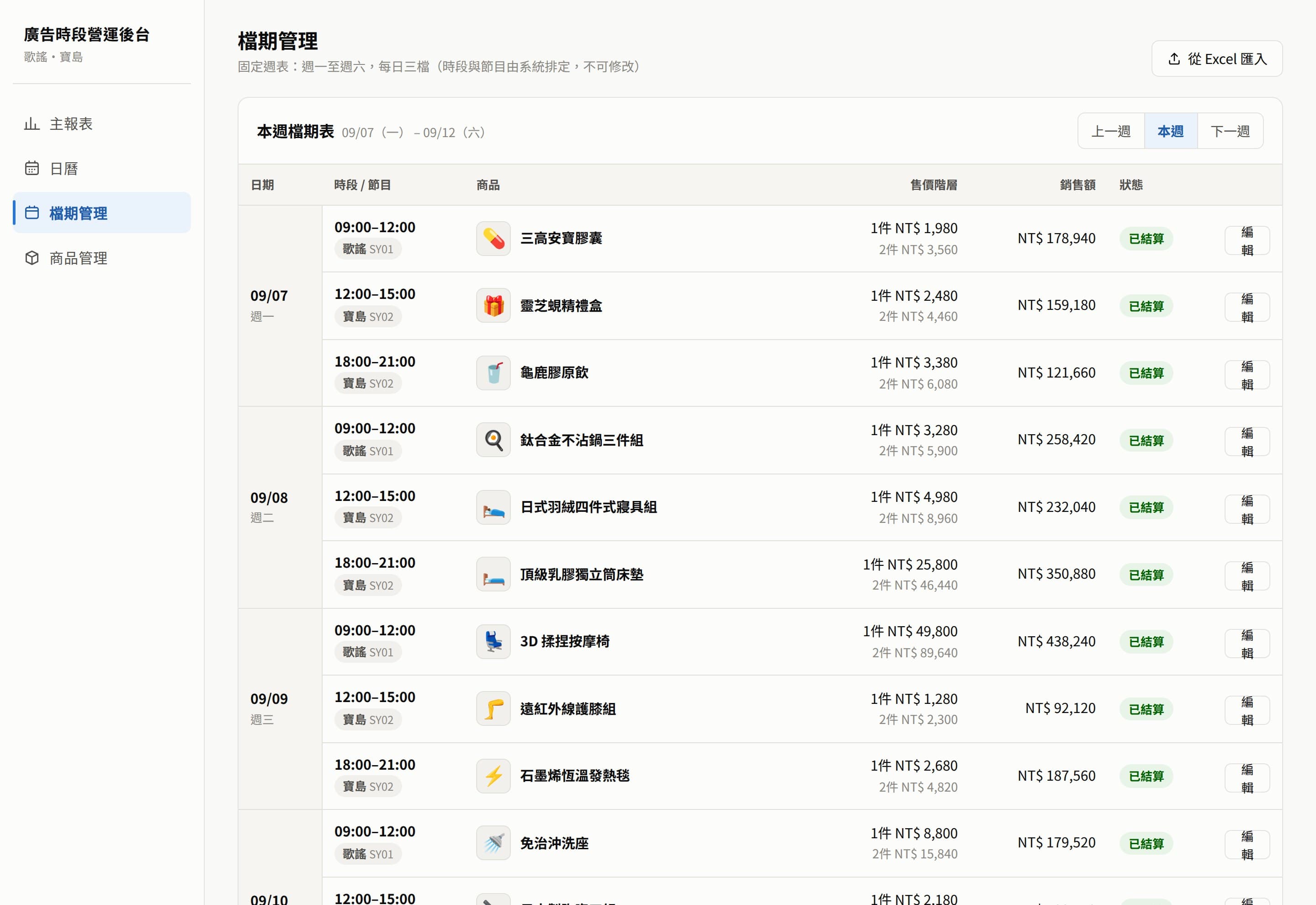
Calls are attributed to the ad slot and product on air, then rolled up into deals, conversion rate, and revenue per call — so it is obvious which spot actually sells.
The system runs on your existing PBX plus a small PC — no dedicated hardware. These are the items we confirm before installation.
- PBXDetailTecom SDX500 (running long-term at customer sites)NotesThe PBX must be able to send call events to a designated server. Other models need their event-logging capability checked first.
- ServerDetailA small Windows PC (i3 / 8GB / SSD is enough)NotesMust sit on the same network segment as the PBX. Software only — no dedicated caller-ID hardware.
- Customer listDetailExcel / CSV exported from your ERP: customer code, name, landline, mobileNotesA live site currently runs about 97,000 records with instant lookup.
- BoardDetailFull-screen browser, auto-login and auto-start on bootNotesLarge type, meant to be read across a counter.
- Remote accessDetailOptional: public URL with login and source-IP allowlistNotesLeft disabled, it is a purely local service — the customer list never leaves the on-site machine.
| Item | Detail | Notes |
|---|---|---|
| PBX | Tecom SDX500 (running long-term at customer sites) | The PBX must be able to send call events to a designated server. Other models need their event-logging capability checked first. |
| Server | A small Windows PC (i3 / 8GB / SSD is enough) | Must sit on the same network segment as the PBX. Software only — no dedicated caller-ID hardware. |
| Customer list | Excel / CSV exported from your ERP: customer code, name, landline, mobile | A live site currently runs about 97,000 records with instant lookup. |
| Board | Full-screen browser, auto-login and auto-start on boot | Large type, meant to be read across a counter. |
| Remote access | Optional: public URL with login and source-IP allowlist | Left disabled, it is a purely local service — the customer list never leaves the on-site machine. |
- 01Confirm the PBX can emit call events
Enable event logging in the PBX admin and point it at the server. The Tecom SDX500 is verified; other models need checking first.
A PBX that cannot do this rules the whole thing out — we verify before quoting.
- 02Install the server on the PBX network
Put the server on the same segment as the PBX, place a test call, and confirm the number parses correctly.
- 03Import the customer list and check hit rate
Import the exported list, place real calls to measure the match rate, and work through data issues such as missing area codes and duplicate records.
- 04Board goes live
Configure auto-login and auto-full-screen so nobody has to touch it after a power cut or reboot.
- 05(Optional) connect call analytics
Define the ad slots and the product on air; calls are then attributed automatically and only the per-slot settlement figures need to be entered by hand.
- Do we have to replace our PBX?
- No. SynCall runs alongside your existing PBX and only needs it to send call events to a designated server. The Tecom SDX500 has been running at customer sites long-term; for other models we verify the capability on site before quoting.
- Local calls arrive without an area code — will they still match?
- Yes. The same normalisation runs on both import and lookup, so numbers with and without an area code meet in the middle. Mobile and landline are cross-referenced too — a call from a mobile can show the landline on file. Duplicate records, common in ERP exports, are handled.
- Could the customer list leak?
- The list lives on the on-site machine and the service is local-only by default. A public URL is opened only if you need remote access, and it comes with login plus a source-IP allowlist. The list is also backed up off-site daily.
- What about multiple locations?
- Each location runs its own box independently, so an outage or reboot at one site never affects the others. If you need a combined view, the call data is forwarded to the reporting side.
- How is the call analytics calculated?
- Each call is attributed to the ad slot its timestamp falls into, and therefore to the product on air. Once the settlement figures for that slot are entered, the system derives deals, conversion rate and revenue per call — the last being what actually tells you whether a spot is worth repeating.
- How is it priced?
- One system per location, sold under a perpetual licence and covering the on-site machine, installation, configuration and staff training; the first year includes maintenance, and an annual maintenance contract applies from the second year. The ad-performance reporting is a separate module, added only if you need it. What actually moves the price is the step before: whether your PBX can emit call events at all. The Tecom SDX500 is confirmed and has been running long-term; for other models we verify on site first, and quote after that.
- Company
- SHENGYI CO., LTD. 陞釔有限公司
- Tax ID
- 62222816
- Address
- 7F., No. 3, Ln. 70, Anmin St., Xindian Dist., New Taipei City, Taiwan
- Phone
- 02-8666-3131
- contact@shengyiltd.com
- Service hours
- Monday to Friday, 09:00–18:00
https://shengyiltd.com